Hotmail is now Outlook.com, but your @hotmail.com address still works. Use this 2026 guide to sign in on web, Android, and iPhone.
✅ Quick login link: https://outlook.live.com
📌 How to Sign In on Desktop
- Open outlook.live.com in any browser.
- Enter your full email (yourname@hotmail.com).
- Type your password and click Sign in.
- Approve the Microsoft Authenticator prompt or enter the code sent to your phone.
- Your Hotmail inbox opens in the Outlook web layout.
🔹 Pro Tip: Tick "Stay signed in" only on a personal, secure device.
📱 How to Sign In on Mobile (Android & iPhone)
Use the official Outlook app to access @hotmail.com mail on mobile.
Step 1: Get the App
Step 2: Sign In
- Open the Outlook app.
- Tap Add Account.
- Enter your @hotmail.com address.
- Type your password and approve any verification step.
- Your Hotmail inbox syncs automatically.
💡 You can sign in to multiple accounts and switch between them in one tap.
🚫 Troubleshooting Login Issues
- Forgot password? Use Microsoft password reset.
- Account blocked? Visit account.live.com/acsr to recover via identity verification.
- Authenticator missing? Use a recovery code or another trusted method.
- Server error? Try a private window and retry — clears stale cookies.
🔐 Account Security Tips
- Turn on Two-Step Verification at account.live.com/proofs/manage.
- Install Microsoft Authenticator for passwordless sign in.
- Add a recovery email and phone to your Microsoft Account.
- Review recent activity at account.live.com/Activity.
- Sign out from public PCs before walking away.
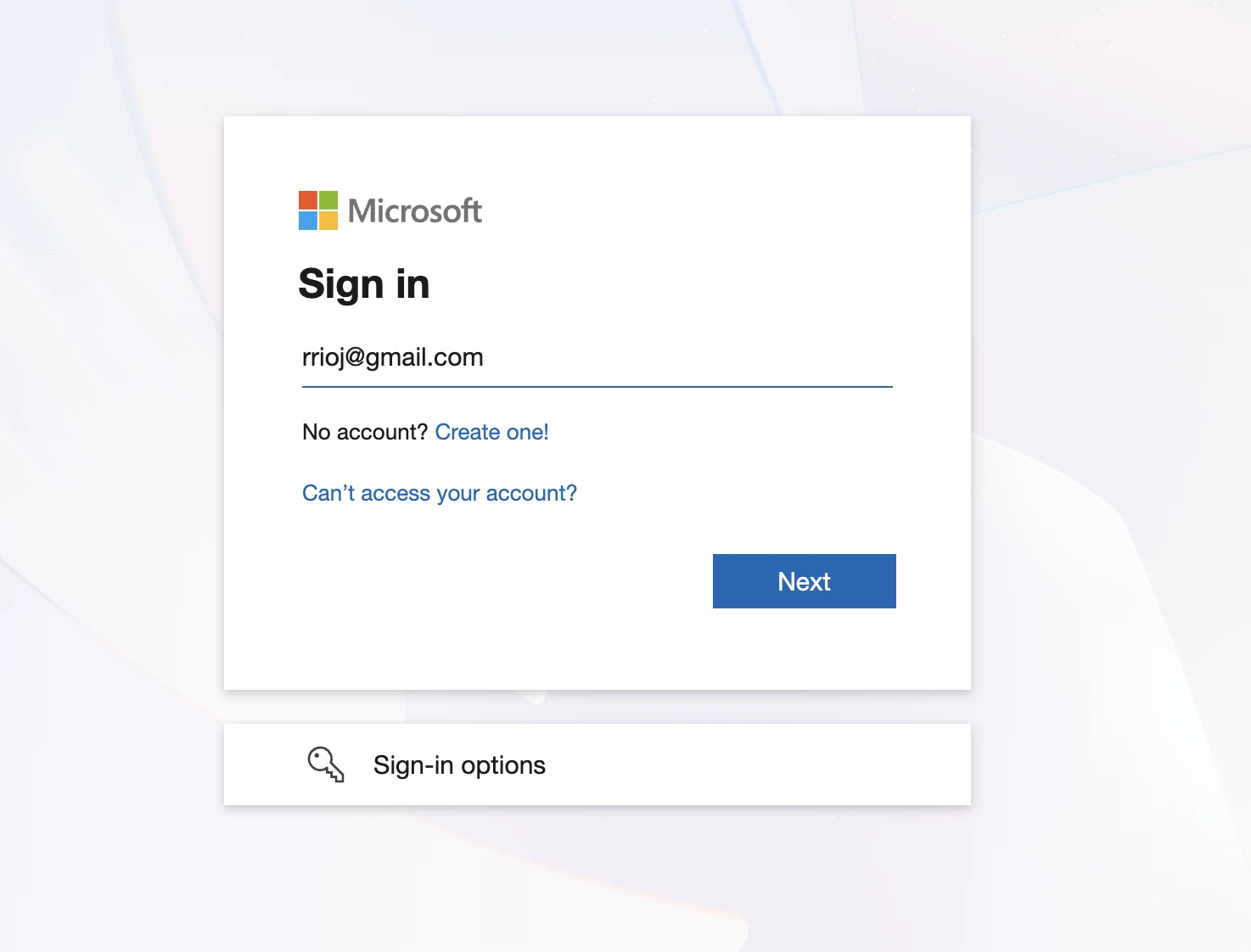 Hotmail / Outlook login page
📡 Access Hotmail via Other Mail Apps (IMAP / POP / SMTP)
If you want to access your mail through a third-party client (Apple Mail, Outlook, Thunderbird), use the settings below.
| IMAP (Recommended) |
|---|
| Server | outlook.office365.com |
| Port | 993 |
| Encryption | SSL/TLS |
| POP |
|---|
| Server | outlook.office365.com |
| Port | 995 |
| Encryption | SSL/TLS |
| SMTP (Outgoing Mail) |
|---|
| Server | smtp.office365.com |
| Port | 587 |
| Encryption | STARTTLS |
💡 Use Modern Authentication / OAuth2 wherever supported — basic password auth is being phased out across providers.
🌟 Why Use Hotmail in 2026?
- Free 15 GB mailbox with strong spam filtering
- Integrates with OneDrive, Word, Excel, and Teams
- Modern Outlook web interface with calendar and tasks
- @hotmail.com legacy addresses still supported
❓ Frequently Asked Questions
Is Hotmail still active in 2026?
Yes. Microsoft kept @hotmail.com addresses alive after rebranding the service to Outlook.com — you sign in at outlook.live.com.
Can I create a new @hotmail.com address?
Yes. During Microsoft Account signup pick @hotmail.com from the dropdown — though @outlook.com is the default.
What if I lost access to my Hotmail account?
Use account.live.com/acsr — Microsoft's identity verification form for full account recovery.
Why does Hotmail redirect to Outlook?
Microsoft rebranded the service in 2013. Outlook.com hosts all Hotmail addresses on the same backend.
Can I access Hotmail with IMAP?
Yes — use outlook.office365.com:993 with SSL/TLS. Modern Authentication / OAuth2 is required.
🔗 Helpful Links